4 November 2026
Why I Still Pay for a Windows Backup Tool When Free Ones Exist
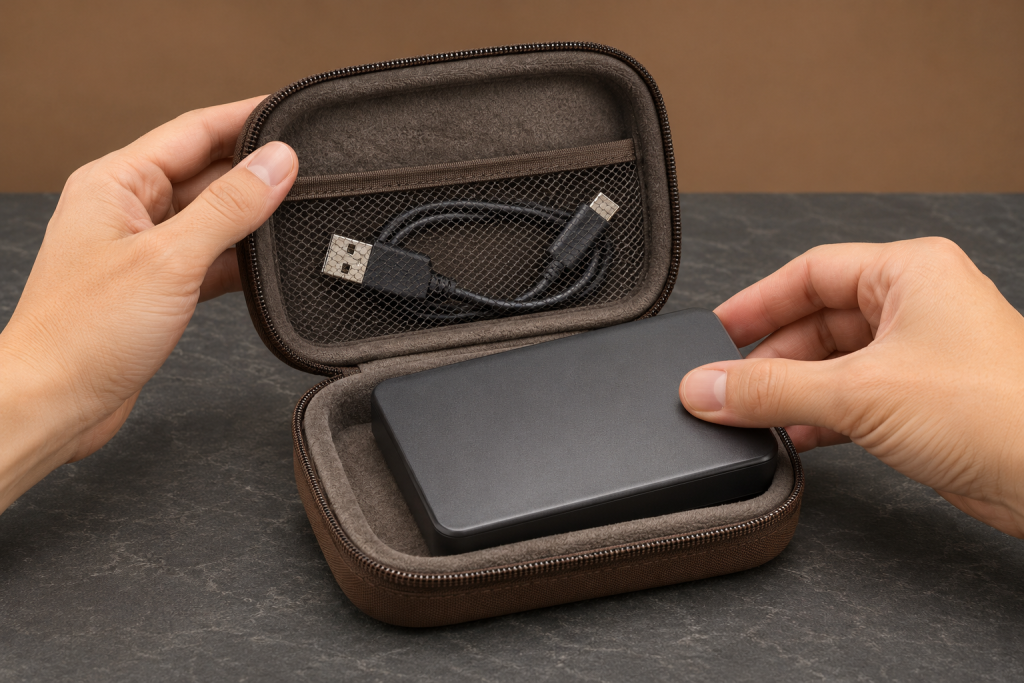
My bookkeeper asked me last spring why the company card shows a charge for backup software every March when Windows has File History built in and Easeus gives away a perfectly good free tier. Fair question. I had to actually think about the answer instead of mumbling something about “peace of mind,” which is what people say when they haven’t tested their restores.
Here is the honest version. Free backup tools on Windows cover more than they used to, and for a lot of small shops they are genuinely enough. I still pay, and it is not because I love subscriptions. It is because the paid tool does two specific things the free ones keep deferring, and those two things map directly onto how a small business actually loses data.
What the free tools actually give you now
Start by being fair to the free side, because it has gotten good.
Easeus Todo Backup Free covers file and folder backup, system and drive imaging, scheduling, network-location backups, and boot media for disaster recovery. PCWorld’s review calls it the easiest and most attractive interface on the market and notes that the only cost is “a couple of ads and nags.” That is a real product, not a crippled demo. If your whole backup plan is “image the C: drive weekly and restore when the machine dies,” the free tier will do it.
Windows itself ships File History and Restore Points. Neither is a disaster recovery plan, and from what I see running my own books, Microsoft hands you a mix of tools and leftover imaging bits from Windows 7, where some pieces work fine and others like System Repair Disc and Recovery Drive just don’t. File History is fine for the Documents folder. It is not what you want in charge of your QuickBooks company file.
The first reason I pay: no ads in the middle of a restore
This sounds petty until you have lived it.
The free tiers of consumer backup tools monetize by nudging you toward the paid version. I have clicked through upgrade prompts while a restore was running, and every one of those clicks is a chance to pick the wrong option. When a drive has died and you are trying to get an invoice template and a year of statements back before a client calls, the last thing you need is a banner offering you cloud storage.
Paid gets you a quiet interface. Not a prettier one. A quiet one. That is worth money the same way a quiet accountant is worth money.
The second reason I pay: image-based recovery that actually boots
Here is where the free-versus-paid gap still bites for a business.
Free tools do imaging. What they tend to skip is the professional-grade continuous protection and the “restore to dissimilar hardware or a virtual machine” story that matters when the failed machine is your only workstation and the replacement has a different motherboard. Arcserve ShadowProtect SPX is the clearest example of the paid category done right: PCWorld flags its continuous data protection, its restores to real or virtual drives, and the timeline overview, while admitting the login dialog is daunting, it is image-only, and it is pricey for end users. That is the trade. You pay for reliability you can reason about under pressure.
ZDNET’s testing rubric is a decent checklist to hold any tool against, free or paid. They test backup and restore without corruption, measure speeds and recovery times across data sizes and network conditions, and then look at pricing transparency and support. Run your free tool through that list honestly. The corruption and recovery-time questions are the ones most free tiers quietly fail.
The enterprise tools are the wrong yardstick
Worth saying plainly, because it trips up small shops shopping by review roundups.
Those roundups usually crown something like Veeam as the best backup software of 2026. Veeam is genuinely excellent at what it does: instant VM recovery that boots a virtual machine from backup files in seconds, agentless operation at the virtualization layer, malware scanning during backup, and backup jobs that complete without the corruption issues seen elsewhere. It is also built for VMware vSphere and Hyper-V environments, requires you to configure backup repositories, and involves a licensing structure that ZDNET itself calls “a real pain during setup” and warns can be “a shock for smaller organizations.”
That is not my problem set. I have one Windows box, an external drive, and a two-person payroll. Veeam solves a problem I do not have and would cost me a weekend to learn. If you run a few virtual servers, ignore everything I just said and go read that review properly.
What I would actually tell a small shop
If you are a solo operator whose worst case is “laptop dies, I buy another one,” Easeus Todo Backup Free plus a rotating external drive is a defensible plan. Image weekly, keep boot media on a USB stick, test a restore once a quarter. Total cost: the drive.
I pay because my risk is different. The machine that would die holds the only copy of the books, and a restore that half-works during tax season costs more than any annual license. The paid tier buys me a quiet interface, bootable recovery I have actually tested, and support I can call instead of a forum. That is the whole justification.
Two things to do whatever you decide. Test a restore this month, not the backup. And check that your backup tool is not silently skipping the one folder that matters because it is open in another program. Free or paid, that failure mode is identical, and it is the one that actually gets people.